Learn with Get3DMed
3D anatomy formedical students.
Explore the structures from your lectures in 3D. Turn the model, look inside and find the part you want to understand.
Free to explore. No account needed.
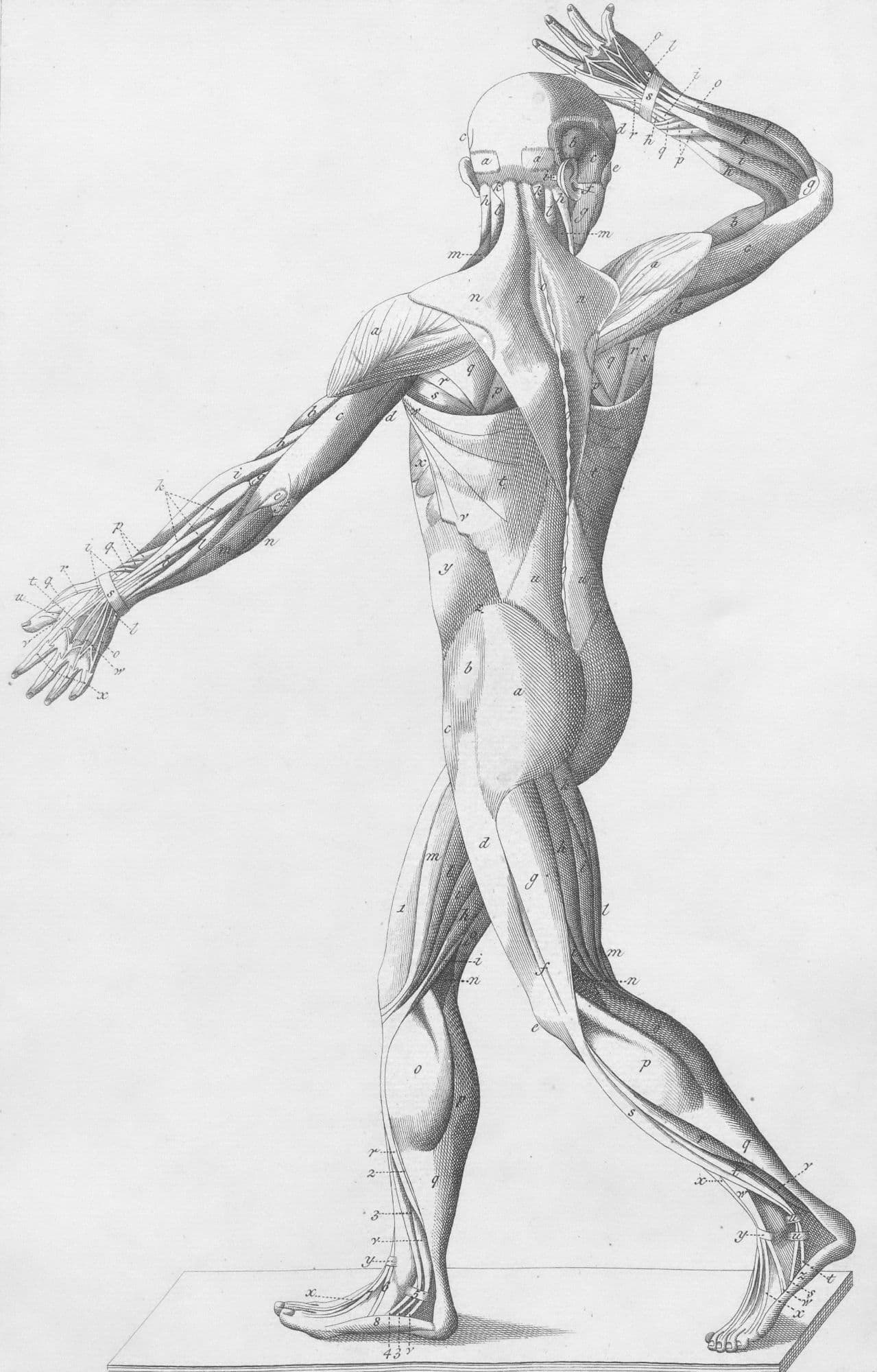
Turn it.
Follow a vessel. Find a different angle. See how the pieces fit.
Peel it.
Move through the layers and explore what sits underneath.
Name it.
Select a structure to put a name to the part you are studying.
A place to start
Bring your notes.
Follow your curiosity.
Keep the model beside your lecture notes. Start with one structure, then see what is around it. The heart is a good place to begin.
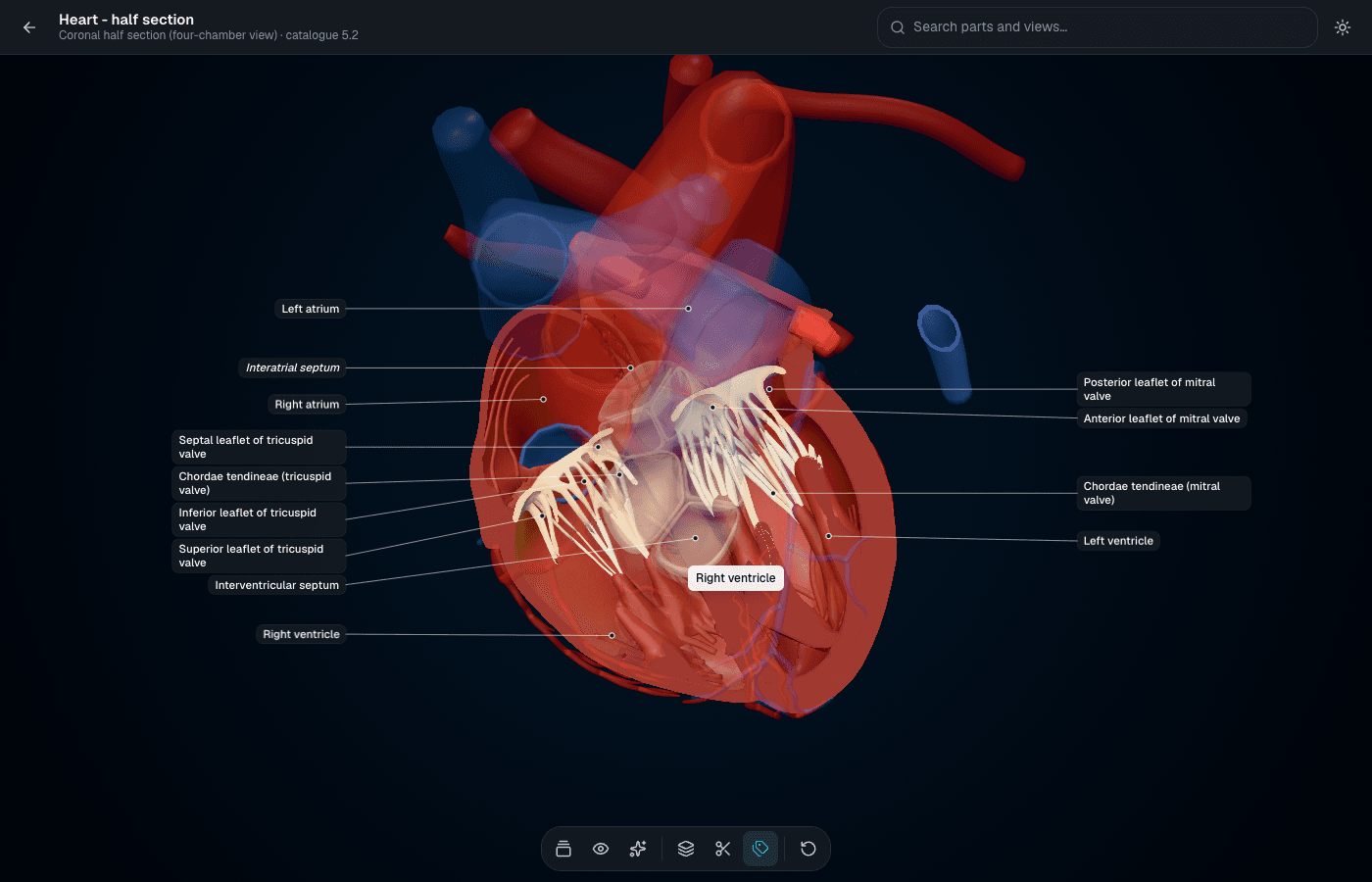 Take a look inside
 A view from the atlas. Open it to rotate, select structures and explore for yourself.
- 01
Get your bearings.
Start on the outside. Turn the heart and follow its great vessels.
Explore the outside - 02
Look a little deeper.
Open the four-chamber view. Connect what is inside with what you saw on the surface.
See the four chambers - 03
Make the connection.
Find a valve, select its label and compare it with your lecture notes.
Find the valves
Before you explore
A few things
worth knowing.
Is the heart model free to explore?
Yes. You can open the heart model and use its viewer tools for free. You do not need an account or payment details to try it.
How does this fit into my revision?
Keep your lecture notes or textbook beside you. Find the same structure in the model, turn it to another angle and explore the surrounding anatomy. Use the model to work through the spatial relationships you are studying.
Can I use it on my phone or tablet?
The viewer runs in a browser with 3D graphics support. On a touch screen, drag to rotate and pinch to zoom. Loading and performance depend on your device and connection.
How should I use the notes and AI tutor?
Use them alongside your course materials. Sources are available in the viewer.
Your next study session
Find your
own angle.
Start with the heart.
See where it takes you.