Feature 07 of 07
Keep your study, on every device.
Save a model exactly as you arranged it, slice and labels included. Write notes on any structure. Group views, notes and tutor answers by module, and carry on from laptop to phone.
- Saves
- Model, camera, layers, labels and slice
- Notes
- On any structure, private to you
- Resume
- Automatic, on every device
- Free plan
- Up to 3 saved views at a time
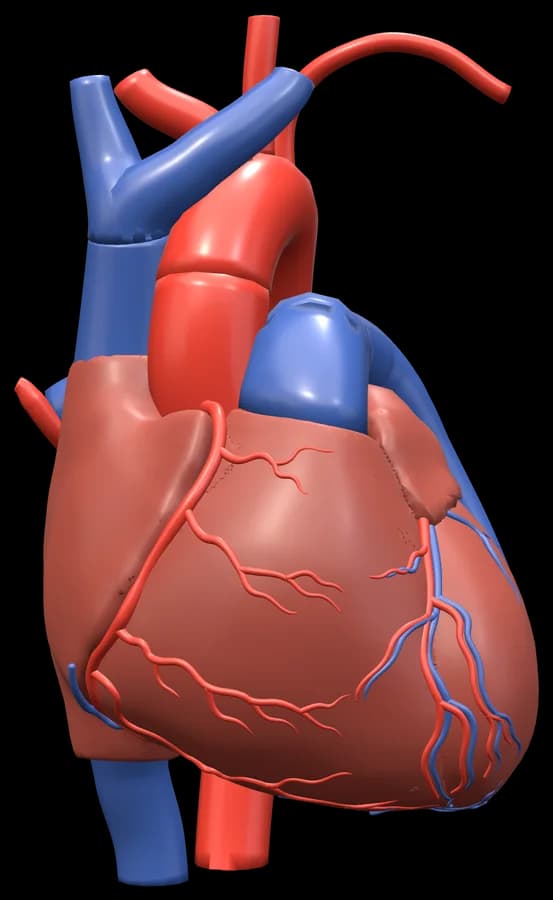
Saved view
Heart: anterior view
SliceLabelsLayers
Note on the moderator band
Carries part of the right bundle branch to the anterior papillary muscle.
A saved view of the heart, a note on the moderator band and the prompt to carry on where you left off.
The problem
Screenshots, scattered notes, lost places.
- 01
Screenshots everywhere.
A camera roll full of angles you cannot turn again.
- 02
Notes in the wrong place.
Your notes are in one app and the model in another, with nothing linking them.
- 03
Starting over.
Every time you open a model, you have to find your way back to where you were.
How it works
Save it, note it, find it again.
Save a view.
The model, camera, layers, labels and slice, with a name of your choice.
Write notes.
On any structure or molecular highlight, kept private to you.
Group it.
Put views, notes and saved tutor answers into collections for a module, practical or exam.
Pick up where you left off.
Your place in every model is kept automatically, on this device and across your devices.
Why it helps
Everything where you left it.
- A
Exactly as you left it.
A saved view reopens with the same angle, layers, labels and slice.
- B
Notes on the anatomy.
A note belongs to its structure, so it is there the next time you select it.
- C
One place for your study.
My Study shows your last model, recent saves and collections.
- D
Room to grow.
Keep up to 3 saved views at a time on Explore, up to 100 on Student Pro. Notes, collections and resuming never use a slot.
Questions
Questions, answered.
Still deciding? It is free to start, in your browser.
Is saving free?
Keep up to 3 saved views at a time on Explore and up to 100 on Student Pro. Saved views are a count of views kept at the same time, not a monthly allowance. Delete one to free a slot; automatic resume, notes and collections never use one.
Are my notes private?
Yes. Your notes are kept private to you.
What happens when I close the tab?
Your place in every model is kept automatically. Open the model again, on this device or another, and carry on.
What is a collection?
A group of saved views, notes and tutor explanations, for a module, a practical or an exam.
Everything in Get3DMed