The Get3DMed anatomy atlas
Explore heartanatomy in 3D.
See the heart from the outside, then look into its chambers. Rotate the model and select a structure to find its name.
Free in your browser. No account needed.
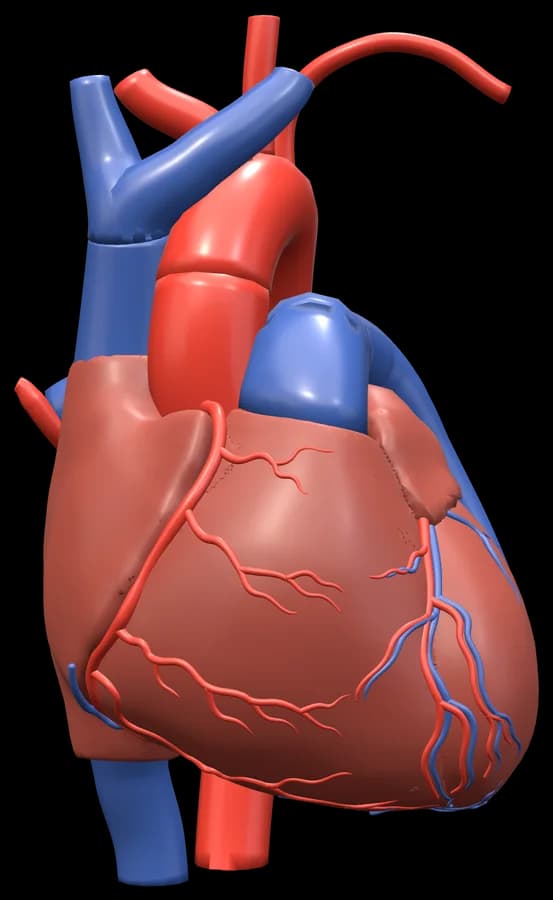
Change the angle.
Turn the heart to explore the position of its visible structures.
Look inside.
Open a section through the heart to inspect its chambers and valves.
Find the name.
Select a visible part or label to identify the structure in the model.
Three starting points
Choose where
you want to look.
Each link opens a different view of the same heart. Keep your course materials nearby as you explore the structures on screen.
- 01
The outer surface.
Start with the anterior view. Find the atria, ventricles and great vessels, then rotate the heart.
Open the anterior view - 02
The four chambers.
Open a section through the heart and inspect the atria, ventricles and septa from another angle.
Open the four chambers - 03
The valves.
Look down on the valves with the atria removed. Select a label to find its corresponding structure.
Open the valve view
Before you begin
A few practical
questions.
Can I explore the heart for free?
Yes. The heart model and its viewer tools are free to explore in your browser. You can open it without creating an account.
What can I do in the heart viewer?
Rotate and zoom, select labelled structures, change the available layers and open preset views. The four-chamber and valve views give you specific places to begin.
Does this include an automated heart quiz?
Yes. With a free account, press Find it in the heart viewer: each question names a structure to tap on the model with the labels hidden, then shows where it is and what it does, and the ones you miss come back to practise again. Practice also has text quizzes on heart anatomy and physiology, with explanations.
Can I use it alongside my anatomy course?
Use it alongside your lecture notes and textbook to explore spatial relationships. Every answer cites the sources shown in the viewer.
Where does the heart anatomy come from?
The heart model is adapted from Z-Anatomy, built on BodyParts3D. Attribution and sources are available in the viewer.
Open a view and explore
Start with
the heart.
Turn it to an angle that makes sense to you.
Explore the heart in 3DFree in your browser. No account needed.